
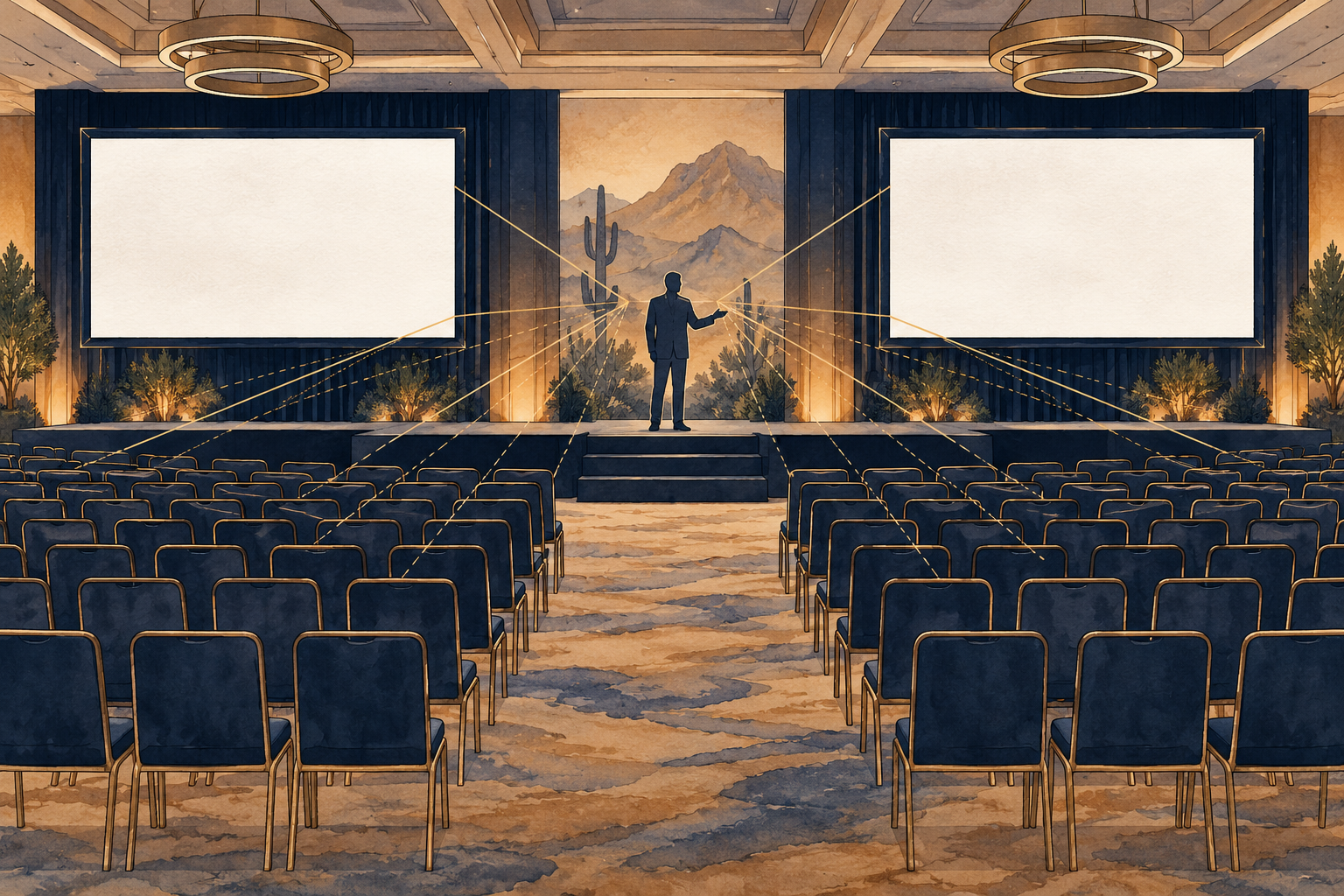
Start from the farthest seat
A presentation can look excellent on the producer's laptop and unreadable from the back of the room. Walk the audience area before choosing screen placement. Check the farthest and most off-axis seats, columns, ceiling height, stage furniture and any windows that may wash out an image. Ask whether guests will read dense data, follow large headlines or mainly watch a speaker; those are different viewing needs.
AVIXA's guidance on viewing areas starts with room dimensions and what the audience needs to see. For a Phoenix conference, fundraiser or company meeting, that means measuring the actual setup rather than choosing screen size from guest count alone. A second display may help some layouts, but only if the content and sightlines justify it.
Make slide files production-ready
Ask presenters for final slides early and set one format, file-naming convention and delivery deadline. A backup PDF can be useful, but video, animation, embedded fonts and live demos need separate tests. If a speaker is bringing their own laptop, identify its output connection and who will advance slides. A last-minute adapter scramble is a poor opening act.
Keep critical words and chart labels large enough to read in the room. Have presenters test slides on the actual display if possible, including dark scenes and high-contrast charts. Put a copy of every approved file in a crew-accessible location and make clear which version is final. The operator should not have to decide between three similarly named decks during a live panel.
Include accessible communication in the brief
Ask attendees how they can request communication support and coordinate those needs early with the organizer and venue. Depending on the program, captions, assistive listening or an accessible electronic version of materials may be relevant. ADA.gov describes effective communication tools and emphasizes the communication needs of the person participating. Treat this as a planning conversation, not a generic checkbox.
Positioning matters too. A speaker, interpreter or captions should be visible without forcing attendees to choose between the person and the screen. Check lighting and camera framing if the event is recorded or streamed. Make sure the production plan includes who will test every feed.
Rehearse from a guest's perspective
During a technical rehearsal, sit in several audience locations while the real files are shown. Test a handoff between speakers, a video with audio, a remote participant if present, and the final slide. Check the recording or stream separately; a clean room display does not prove that the remote audience sees the same thing.
Bring your room diagram, sample slides and presenter list to a corporate production call. We can map displays, sound, video and cues to the program you are actually hosting. Decisions made from the audience's point of view produce a clearer event than a list of equipment alone.
Sources & further reading
Planning something of your own?
Explore Corporate production ↗