
Design for two audiences
A hybrid event has people in the room and people joining remotely. The in-person audience needs clear speakers and screens; remote viewers need intelligible speech, a stable picture and a way to follow the same program. A setup that sounds good in the ballroom can still send a poor feed online. Begin by deciding what each audience must hear and see at every segment.
Ask whether remote participants will only watch, ask questions, speak on a panel or present slides. Each choice changes the microphone and return-audio plan. AVIXA recommends starting an audiovisual project with the users, space and objectives rather than equipment alone. That is a useful discipline for a one-day event too: define the experience first, then choose the signal paths that serve it.
Draw the audio paths
List every voice source: host, panelists, audience questions and remote guests. For each, write where it must be heard: in the room, on the stream, in a recording, or in the remote speaker's return feed. A remote presenter who cannot hear the host's question will struggle even if viewers can hear both. Likewise, room speakers should not feed back into open microphones during a video call.
Choose microphone positions and who will mute or unmute them. If audience questions are planned, decide whether someone will carry a handheld microphone or relay questions to the host. A clear procedure is kinder to guests than asking them to shout across a room. If an interpreter or captioning service is part of the event, include that feed in the test.
Rehearse the actual transitions
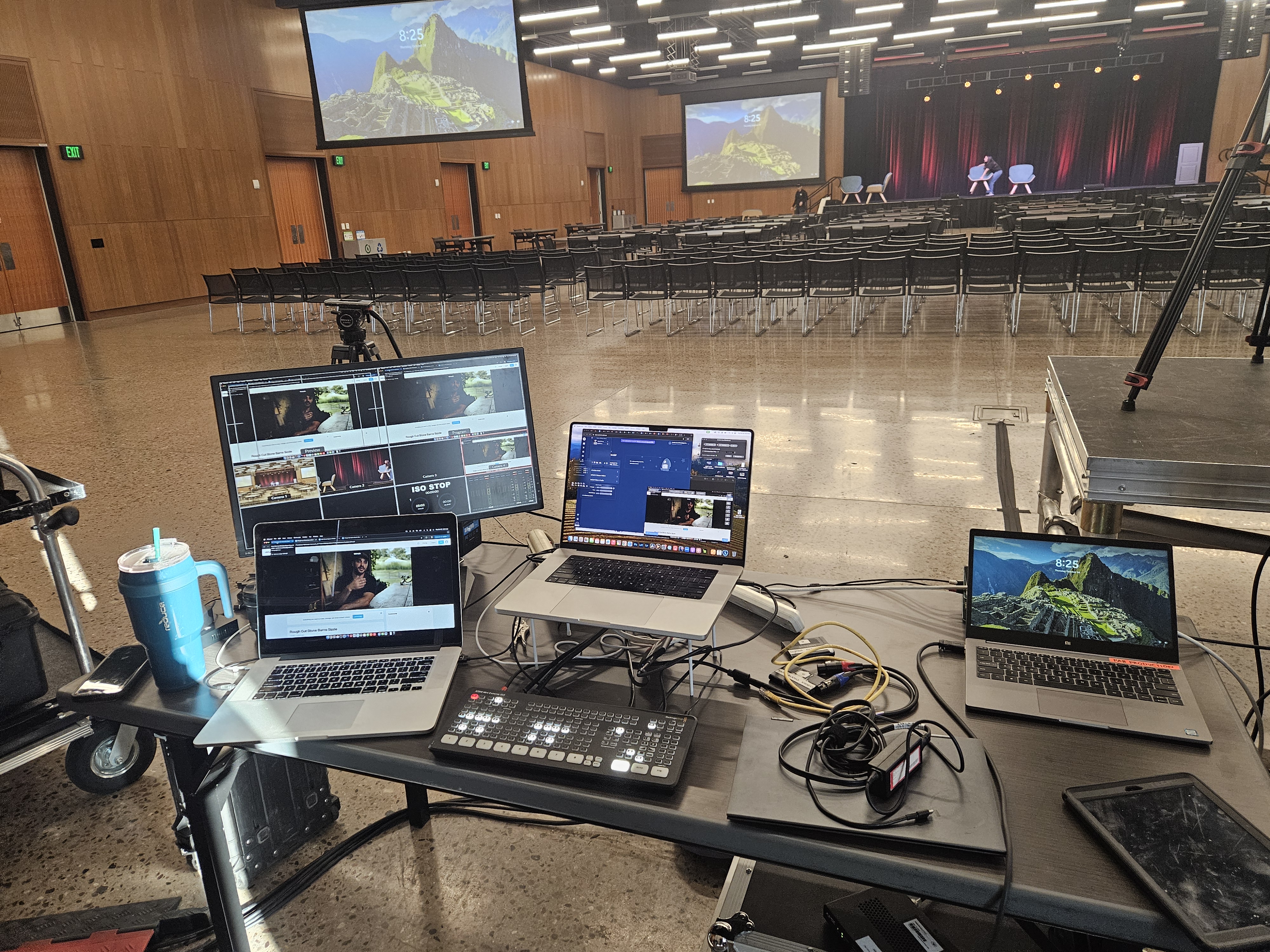
A sound check should use the actual laptops, platform accounts, playback files and microphones whenever possible. Test a local speaker handing off to a remote one, then back again. Play any video with its original audio level, confirm who starts and stops it, and check whether the stream and room receive the intended sound. Also verify that a remote guest's microphone is understandable before the event begins.
Give one person the authority to call transitions and one operator responsibility for each audio path. Keep a current run of show with phone numbers or a private backchannel for the team. The public program should not be the place where the crew discovers a changed presenter order.
Prepare a small failure plan
Write down what happens if a remote speaker drops, the internet slows, or a microphone fails. A backup might be a local copy of slides, a second microphone, a phone connection or a host who can move to the next segment. The right option depends on the venue and program; test the chosen fallback rather than merely listing it.
Bring the room plan, participant list and interaction goals to the production conversation. We can help map sound, video, screens and cues to the event you are actually hosting. A hybrid setup should make both audiences feel included, with fewer surprises for the people running it.
Sources & further reading
Planning something of your own?
Explore Corporate production ↗